Apple Watch Identifier: Find Your Model & Serial Number
Figuring out which Apple Watch you actually have is more confusing than it should be. Apple doesn't engrave the series on the case, the size labels were reshuffled with Series 7, and the SE is easy to mistake for a flagship. This guide walks you through the three most reliable ways to pin down your exact model — the number in Settings, the A-number on the case, and the visual tells that separate generations.
Identify with WatchIQStep 1: Find the model number in Settings
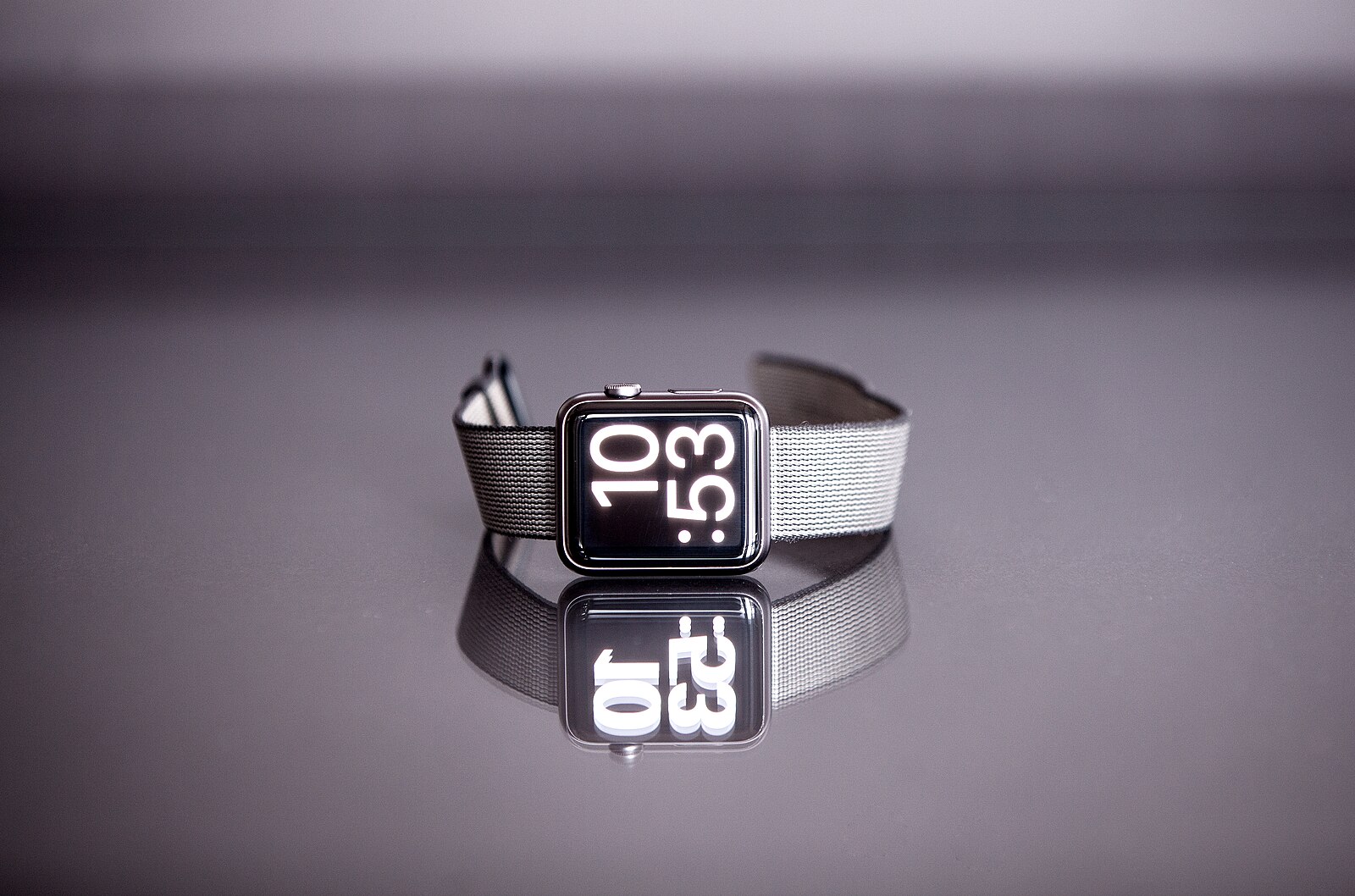
Photo: Jens Kreuter, CC0 via Wikimedia Commons
On the watch itself, open Settings, tap General, then tap About. Scroll to the Model line. You'll initially see a part number — something like "MNP83LL/A." Tap that line once and it converts to the actual model number, which starts with "A" followed by four digits (for example, A2770).
If you'd rather use the iPhone, open the Watch app, tap General, then About. The same information is displayed, with the tap-to-toggle behavior between part number and A-number. The A-number is the identifier you want — it maps directly to a specific series, case size, and cellular configuration via Apple's official A-number reference.
Step 2: Find the A-number on the back of the case
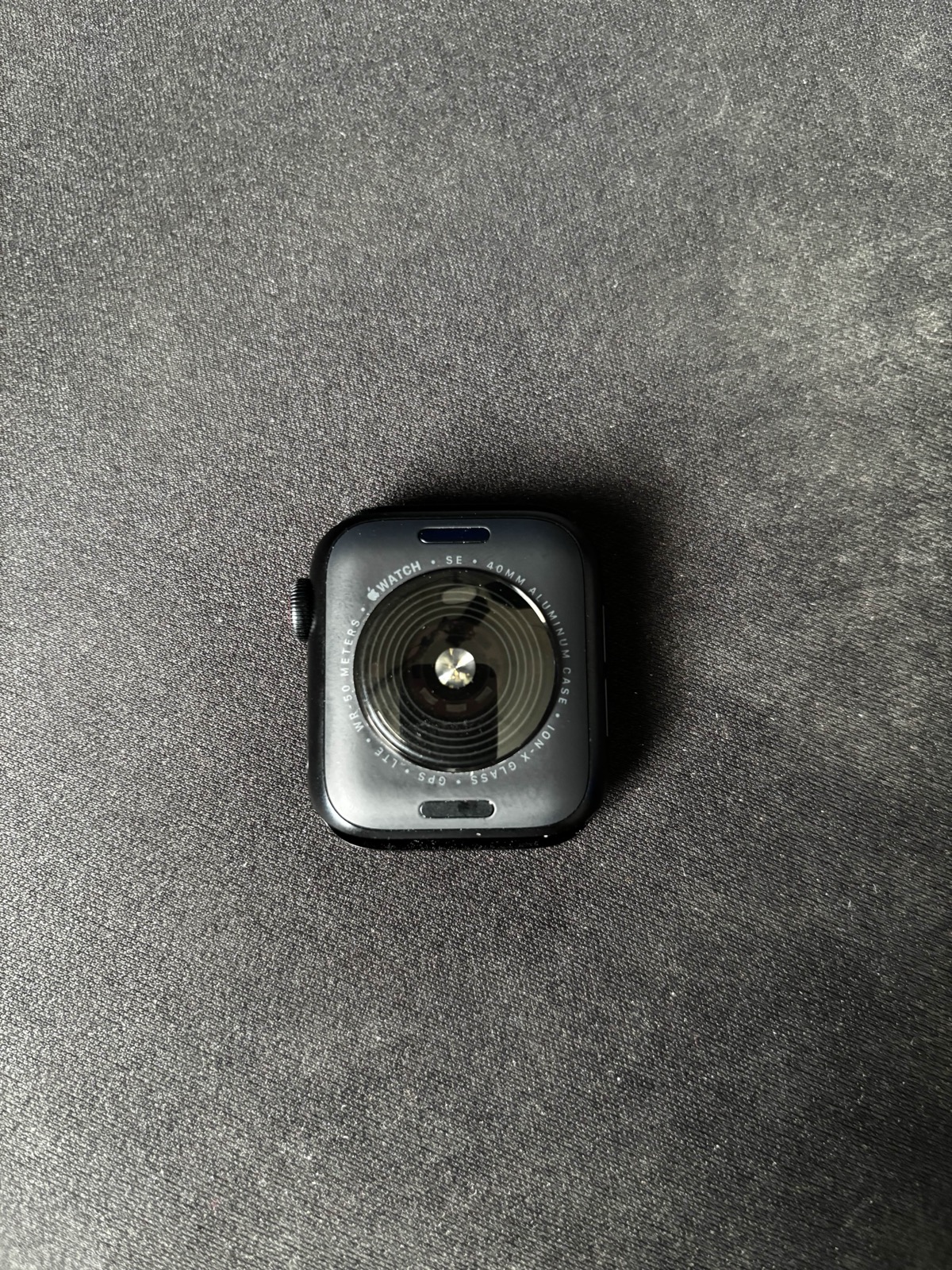
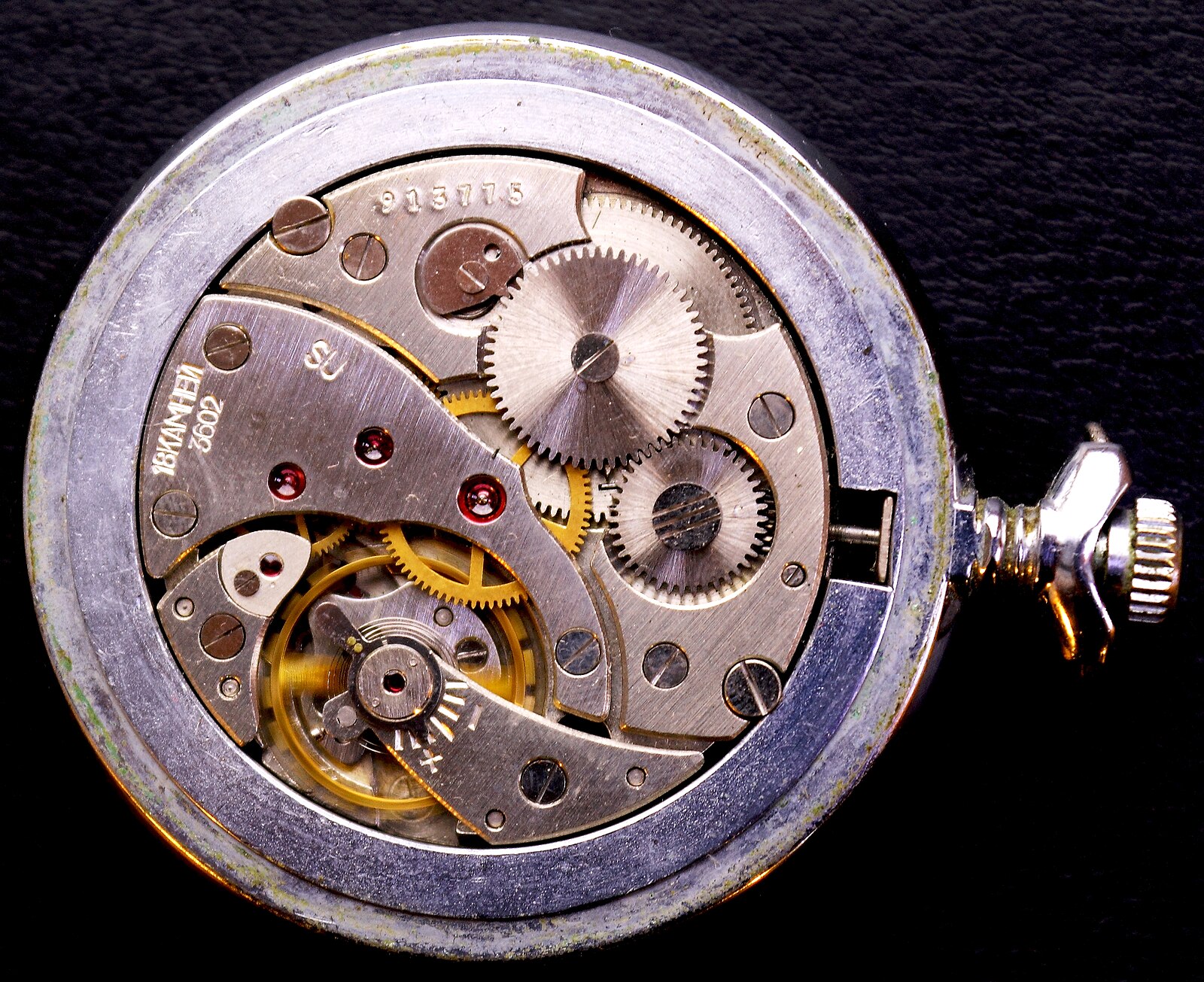
Photo: AzureSaturn, CC0 via Wikimedia Commons
Flip the watch over and look closely at the back of the case, around the heart rate sensor. Engraved in fine text you'll see the model (starting with "A" and four digits), the serial number, the IMEI for cellular models, and one or more regulatory markings. On newer watches (Series 7 onward) the text is very small — use bright light and a magnifier if needed.
This is the authoritative identifier when you can't power the watch on — useful for second-hand purchases, trade-ins, and watches still in their original packaging. Match this A-number against the table further down this page (or Apple's official mapping) to pin down the exact series and specification.
Step 3: Identify the series from the A-number
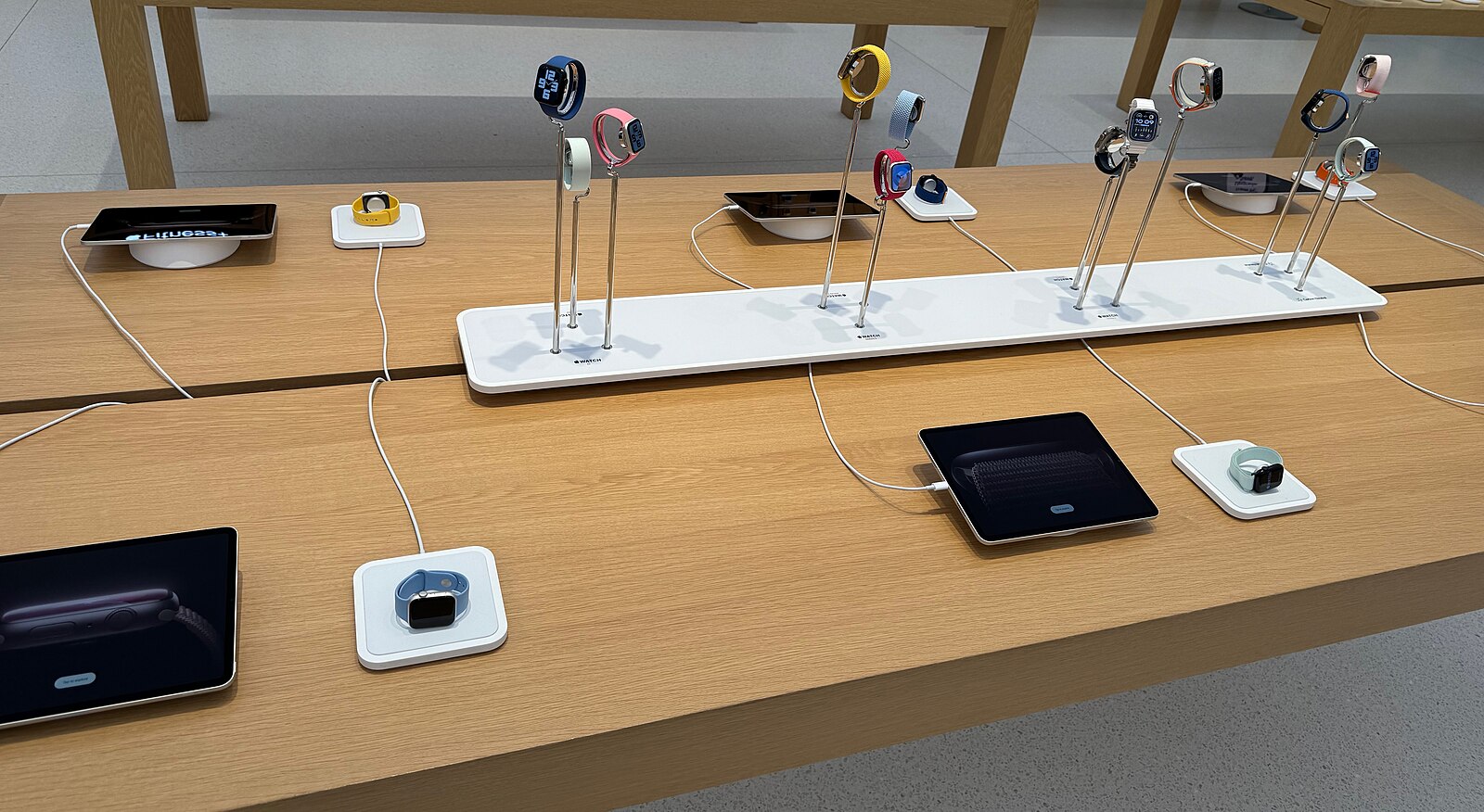
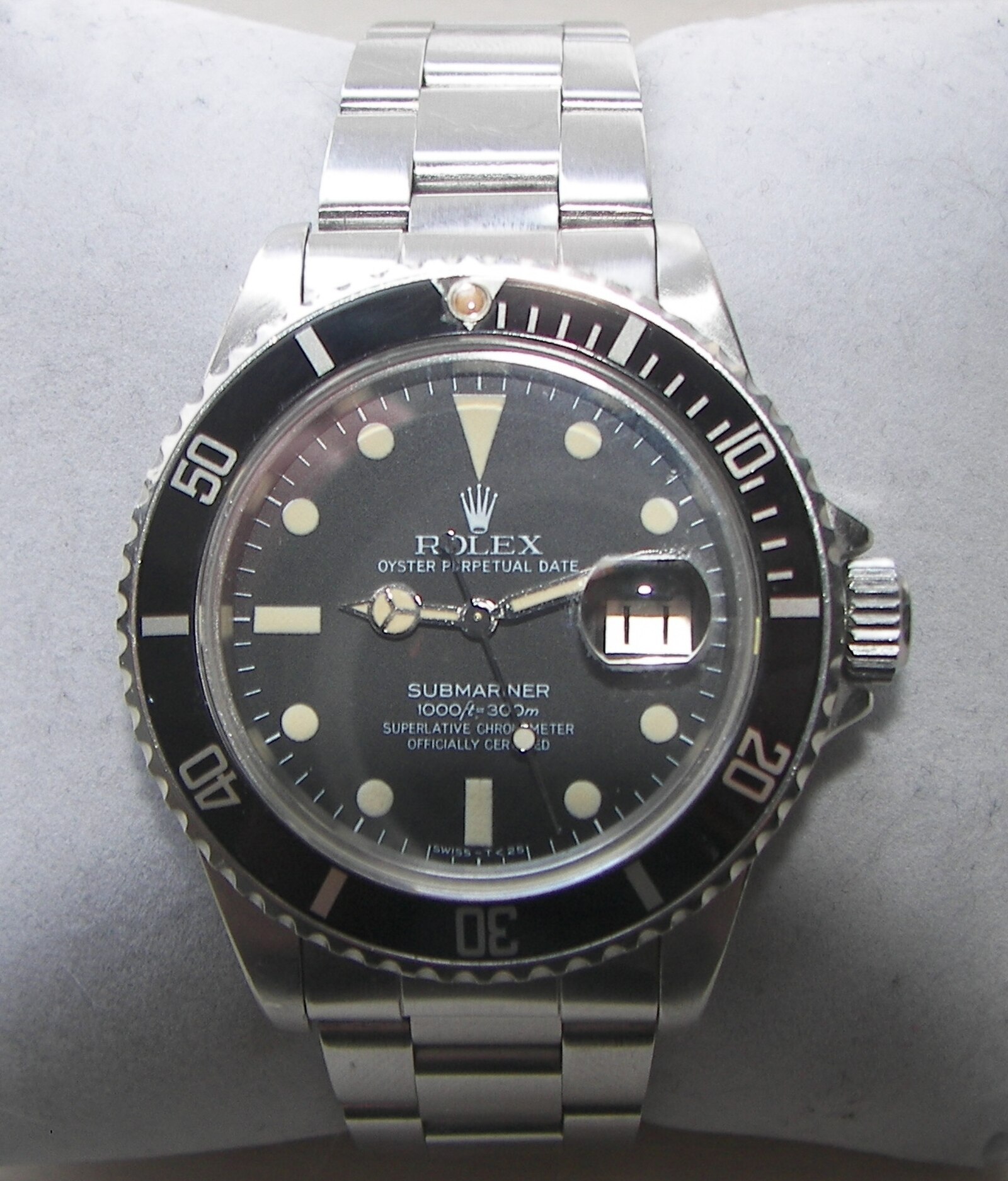
Photo: Seasider53, CC BY 4.0 via Wikimedia Commons
Once you have the A-number, cross-reference it against the model table below. The table maps every A-number Apple has released to the corresponding series (original Apple Watch through the latest), case size, and connectivity option. This is the most reliable method because two watches that look identical — say a Series 8 and Series 9 45mm — share no A-numbers.
If your A-number doesn't appear in the table, it may be a regional variant (European LTE models have separate A-numbers from U.S. models) or a model released after this guide was last updated. Apple maintains the full current list at their support site, and WatchIQ's app recognizes regional variants that don't fit cleanly into simplified tables.
Step 4: Identify the case size
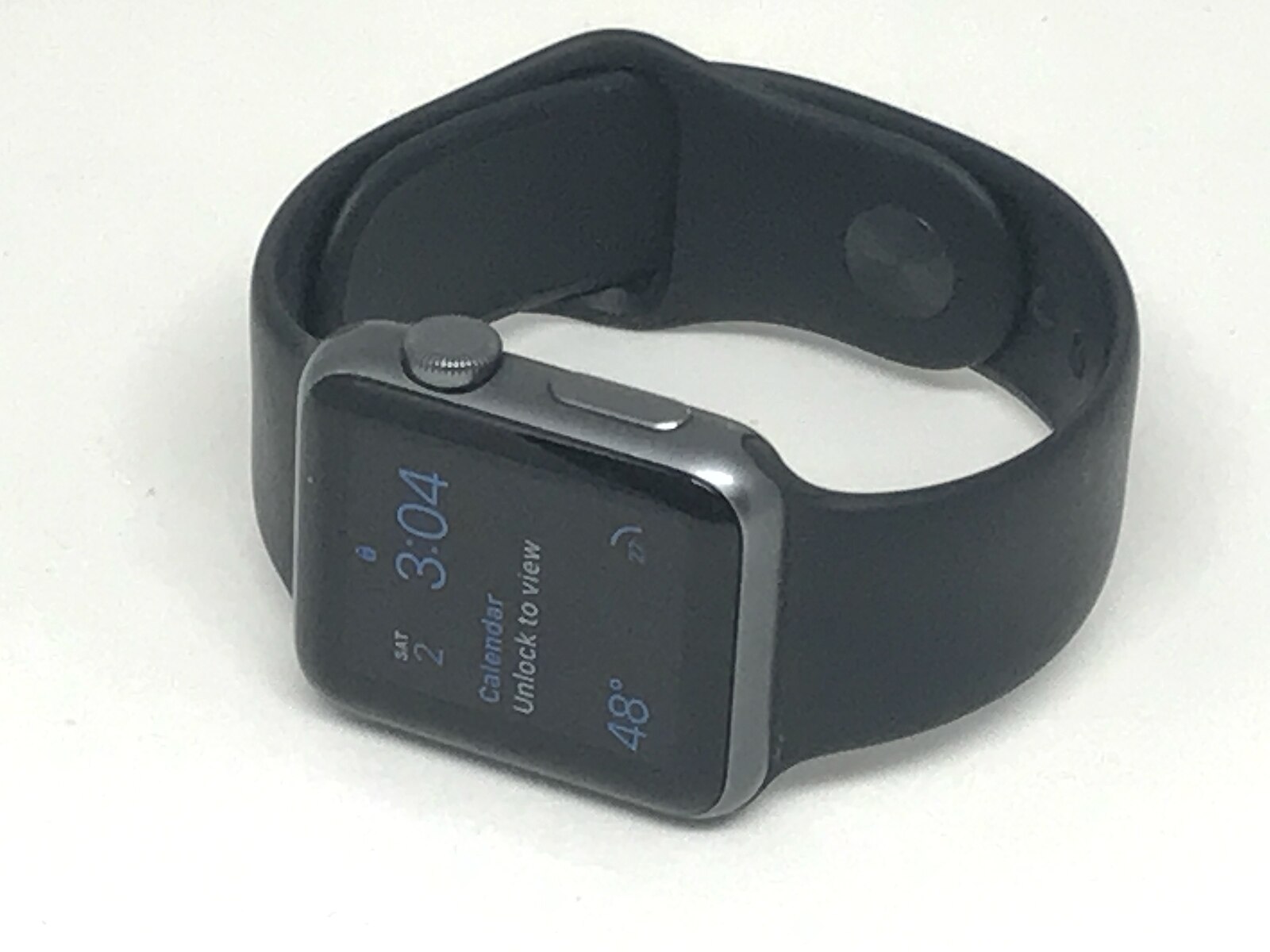
Photo: Gregory Varnum, CC BY-SA 4.0 via Wikimedia Commons
Apple has changed case sizes three times. The original Apple Watch through Series 3 used 38mm and 42mm cases. Series 4 through 6 (and both SE generations) moved to 40mm and 44mm — slightly larger displays in roughly the same physical footprint. Series 7, 8, and 9 bumped up to 41mm and 45mm, and Series 10 moved to 42mm and 46mm with a thinner profile. The Ultra line is fixed at 49mm across all three generations.
You can measure the case height (top of the crown side to the bottom of the bracelet connector) with a ruler — it correlates to the advertised size within a millimeter. If you're unsure whether you have a 44mm or a 45mm, the bracelet connector width is the cleanest tell: 38/40/41mm watches use one connector width, and 42/44/45/46mm use a wider one.
Step 5: GPS vs. GPS + Cellular
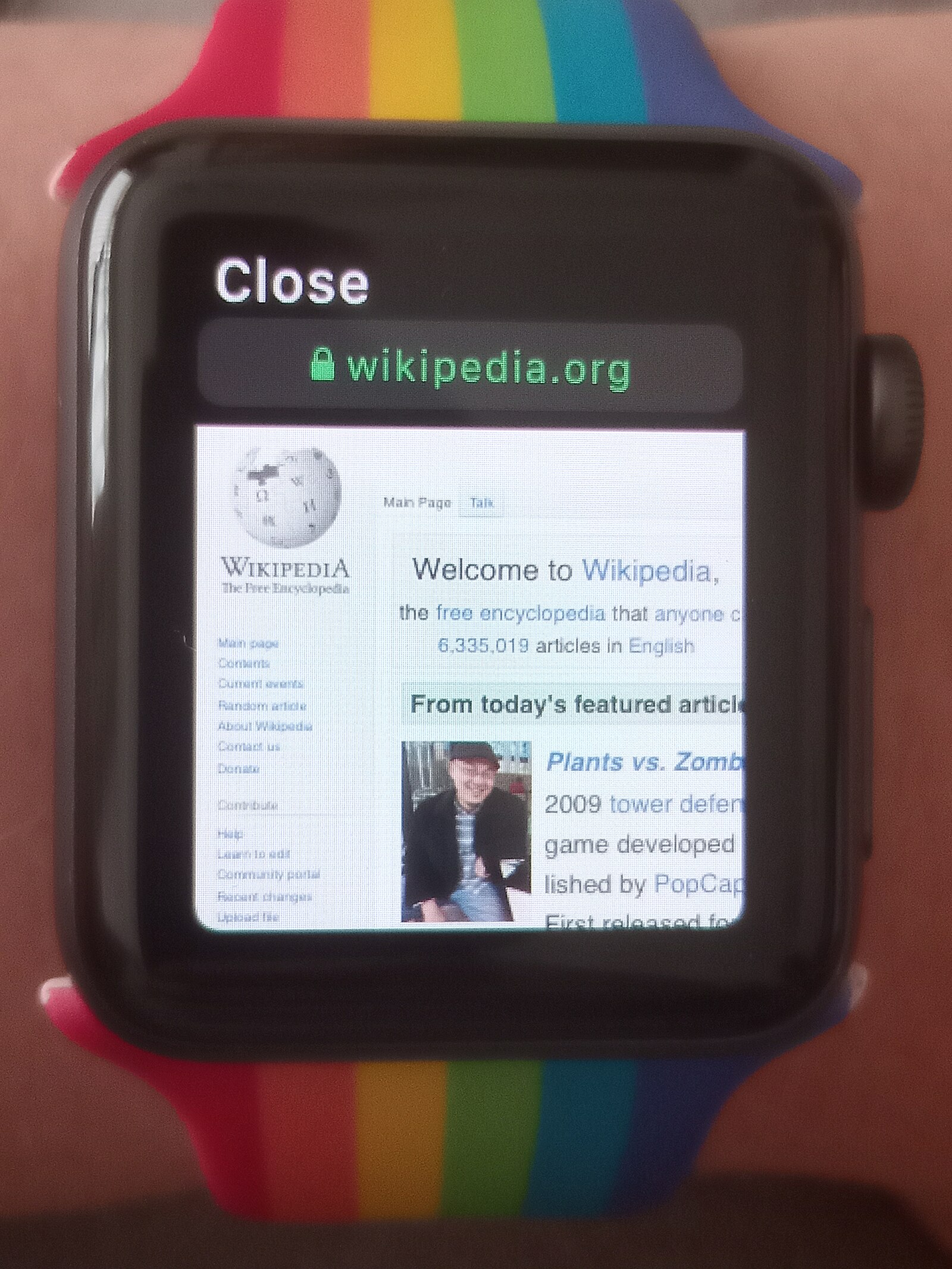
Photo: Alcatel 144895534, CC BY-SA 4.0 via Wikimedia Commons
The simplest way to tell a cellular-capable Apple Watch from a GPS-only model is the digital crown. Cellular models have a red dot on the center of the crown (on Series 3 through the current lineup). On Ultra models, the cellular indicator is integrated into the design — the entire crown or a red accent ring signals cellular capability.
Cellular models resell for noticeably more than GPS-only models, even after the first owner stops the cellular plan. The A-number also encodes this: within a single series, GPS and GPS+Cellular models carry different A-numbers. If you're selling or trading in a watch, the cellular variant is worth calling out explicitly.
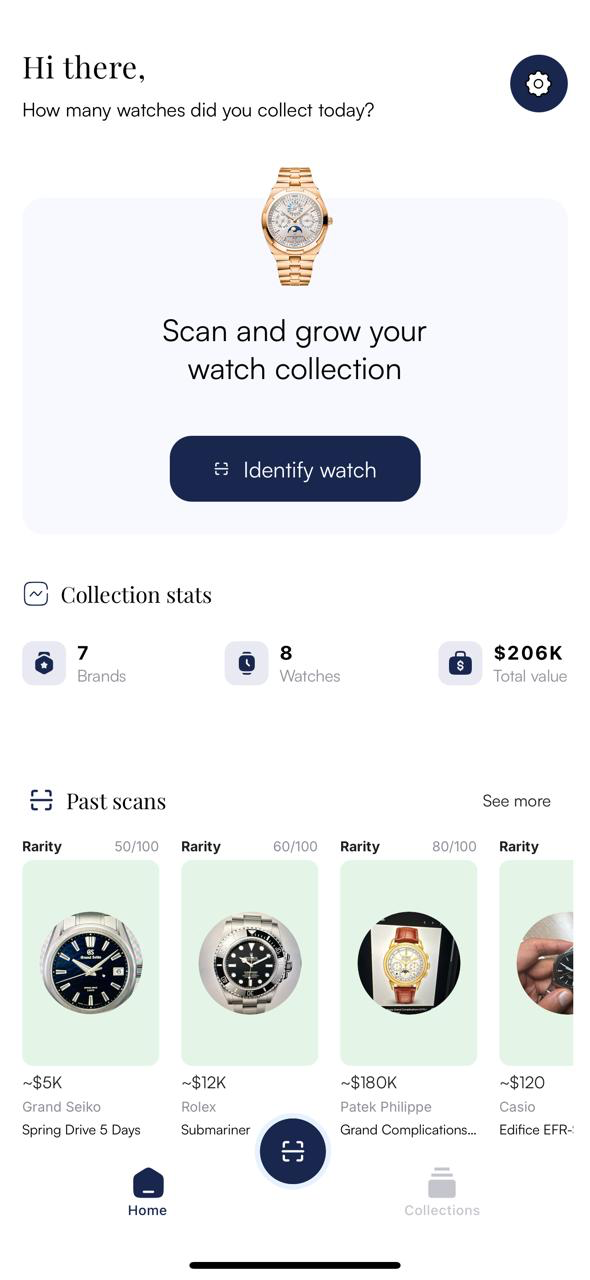
Not sure about the A-number? Snap a photo.
WatchIQ identifies your Apple Watch series from the case and display alone — no need to squint at tiny engravings or dig through Settings. Useful when you're buying secondhand and the watch isn't paired to an account you control.
Download WatchIQApple Watch model number reference
Match your A-number to find the series, year, and case sizes. A-numbers listed below cover North America, Europe, and Asia Pacific models; China-specific variants have separate A-numbers (see Apple's support page for the complete list). A-numbers are shared across finish and band options within a generation, so a 44mm Series 6 Aluminum GPS is A2291 regardless of color.
| Model number | Series | Year | Notes |
|---|---|---|---|
| A1553 / A1554 | Apple Watch (1st gen) | 2015 | 38mm / 42mm |
| A1802 / A1803 | Series 1 | 2016 | 38mm / 42mm, aluminum |
| A1757 / A1758 / A1816 / A1817 | Series 2 | 2016 | 38mm / 42mm, added GPS |
| A1858 / A1859 / A1860-1892 | Series 3 | 2017 | 38mm / 42mm, first LTE model |
| A1977 / A1978 / A1975-2008 | Series 4 | 2018 | 40mm / 44mm, added ECG |
| A2092-A2157 | Series 5 | 2019 | 40mm / 44mm, always-on display |
| A2351-A2356 | SE (1st gen) | 2020 | 40mm / 44mm, aluminum only |
| A2291-A2376 | Series 6 | 2020 | 40mm / 44mm, blood oxygen sensor |
| A2473-A2478 | Series 7 | 2021 | 41mm / 45mm, dust resistant |
| A2722-A2727 / A2855-A2856 | SE (2nd gen) | 2022 | 40mm / 44mm |
| A2770-A2858 | Series 8 | 2022 | 41mm / 45mm, temperature sensor |
| A2622 / A2684 / A2859 | Ultra | 2022 | 49mm, titanium, cellular only |
| A2978-A2985 | Series 9 | 2023 | 41mm / 45mm, double-tap gesture |
| A2986 / A2987 | Ultra 2 | 2023 | 49mm, titanium, cellular only |
| A2997-A3003 | Series 10 | 2024 | 42mm / 46mm, thinner profile |
| A3281 / A3282 | Ultra 3 | 2025 | 49mm, cellular only |
| A3324-A3329 | SE (3rd gen) | 2025 | 40mm / 44mm, aluminum only |
| A3331-A3337 | Series 11 | 2025 | 42mm / 46mm, 5G support |